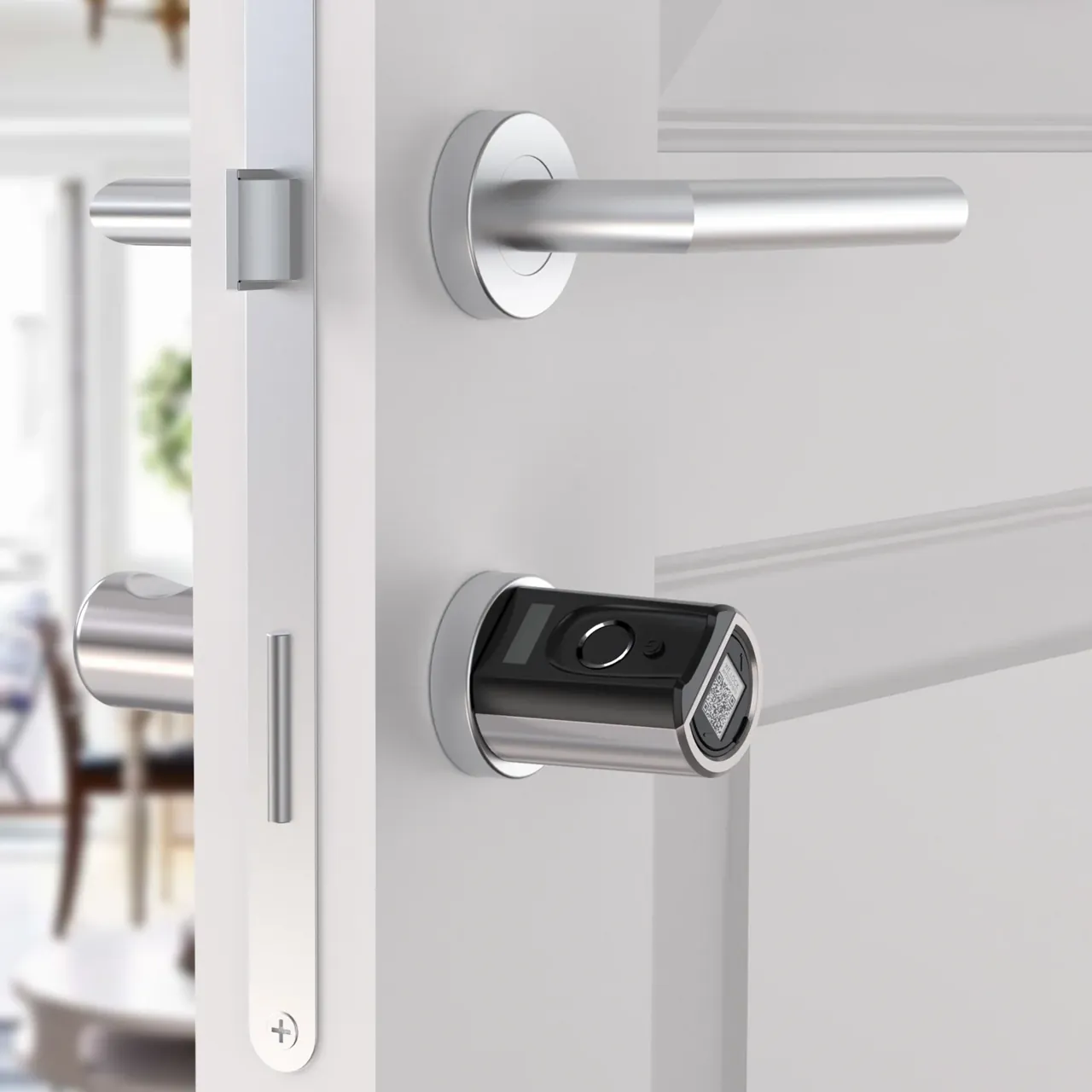
Also "opening the door without a key", smart door locks, password locks and fingerprint locks are very different in terms of security, convenience and cost. This article uses a comparison table and three typical scenarios to help you quickly determine which solution is suitable for you.
The difference between the three options
Keypad Lock has a digital keyboard as its core and is the lowest cost, suitable for scenarios with limited budget or frequent visitors; Fingerprint Lock has biometrics as its core and is the most convenient, suitable for home use; Smart Lock adds APP, remote authorization and unlocking records on top of password/fingerprint, making it suitable for owners and apartment operators who need remote management.
The three are not mutually exclusive: mainstream smart locks usually include both password and fingerprint functions. The difference lies in network capabilities and additional functions.
The first step in selection is to clarify "whether remote management is required" - if so, choose a smart door lock; if not, choose between password and fingerprint based on usage habits.
Security and copy protection capabilities
The fingerprint scheme has the strongest anti-copying ability (semiconductor fingerprint module). The risk of the password scheme lies in peeping and violent attempts, which can be alleviated by anti-peeping scrambled keyboard and error locking; ordinary magnetic cards are the easiest to copy, and IC cards (encrypted) are relatively safe.
The lock grade has a greater impact on physical security than the lock opening method itself: a Grade C lock cylinder or ANSI Grade 1 lock body is the bottom line.
Remote authorization functions require attention to data security: choose a brand that supports local storage and encrypted transmission to avoid leakage of unlocking records.
Convenience comparison: Who is more suitable for families?
Fingerprint unlocking is the fastest (about 0.5 seconds) and has obvious advantages when carrying objects with both hands; password is suitable for the elderly and children; APP remote unlocking is suitable for express delivery, cleaning and temporary visitors.
For scenes with many family members, it is recommended to use fingerprint + password; for families with elderly and children, priority is given to large touch keyboards and voice prompt functions.
For multi-door scenarios (gate + garage + room door), it is recommended to use the same brand system to facilitate unified management of permissions.
Price and maintenance costs
Password locks range from US$50 to US$150, fingerprint locks range from US$100 to US$250, and smart door locks range from US$150 to US$400 (including network functions).
The main maintenance cost is the battery: fingerprint and smart locks have high power consumption, and it is recommended to choose 8 AA battery configurations (longer battery life); the online version requires stable Wi-Fi coverage, and apartments can consider gateway solutions for centralized management.
Warranty and after-sales: The warranty period of the fingerprint module and electronic lock body is recommended to be ≥2 years. The accessibility of replacement parts affects long-term costs.
Choice between apartment and hotel scenes
Apartment operators give priority to the combination of password + temporary password + remote recovery permission. Fingerprint locks need to delete fingerprints when checking out, which is a cumbersome process. Hotel scenarios mainly use card swiping + password, which requires PMS docking and card issuance management.
Smart door locks (temporary passwords are issued remotely) are recommended for short-term rentals. Remote management in unattended scenarios has the highest value.
When deploying in batches, pay attention to: unified gateway, centralized authorization backend, and batch firmware upgrade capabilities.
Final recommendations
For self-occupied households: smart door locks (fingerprint + password + APP) are the most cost-effective; if your budget is limited, choose a fingerprint lock;
Apartment/B&B operations: Smart door locks (remote password management) are preferred;
Hotels: Card door locks (PMS docking) are the standard answer; the budget allows for the addition of passwords and Bluetooth.
To sum up in one sentence: you can choose a smart door lock if you can connect to the Internet, but you can't choose it by "fingerprint>password" if you can't connect to the Internet.
Related Products
Related products: Fingerprint & Biometric Hotel Locks · Hotel Door Locks